Node Studio
Connect AI models like building blocks. One result goes into the next.
Build your first graph
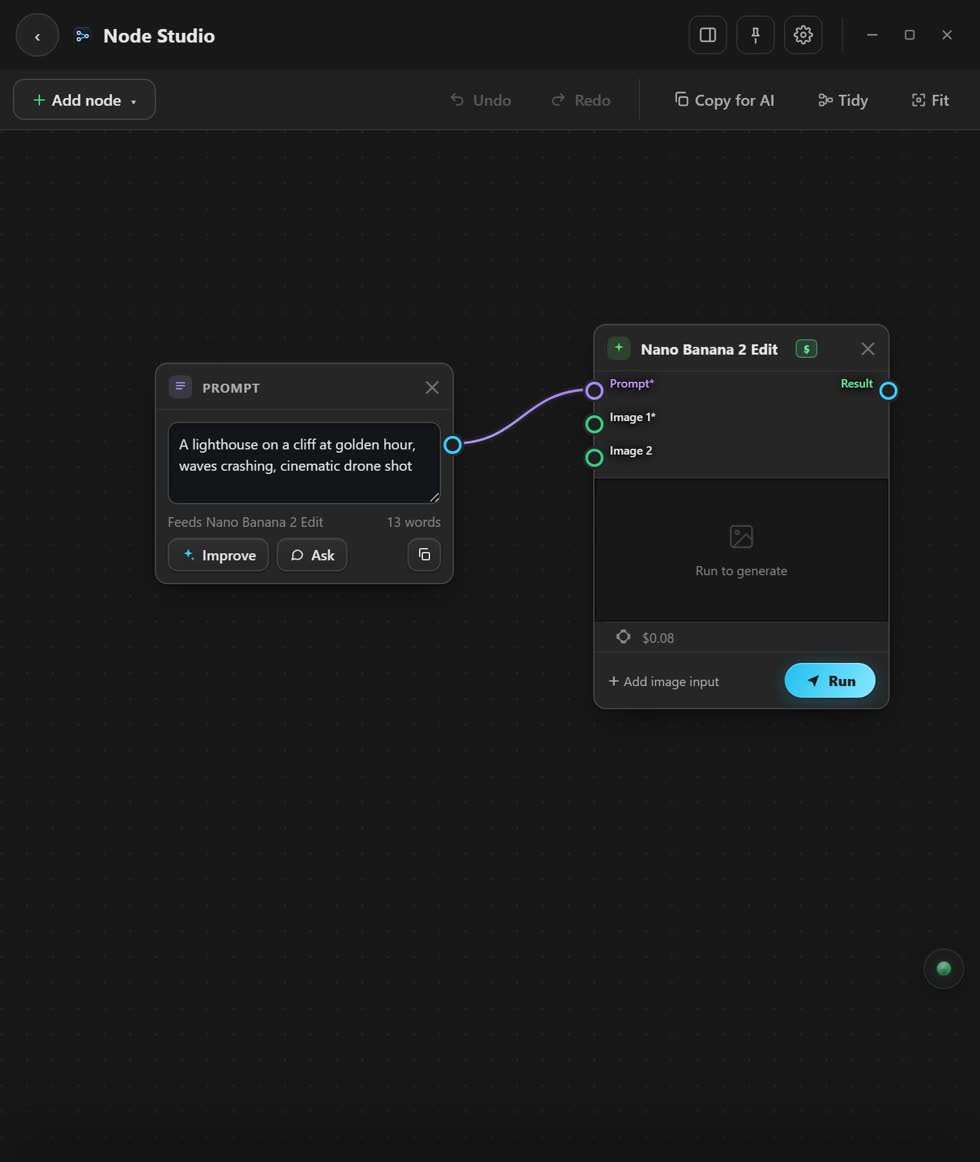
- Press Add node. A node is one block: a prompt, a picture, a clip, a sound, a model or the Upscaler.
- Connect two blocks. Drag from a dot on one into a dot on the other.
- Pick a model. Its settings are in the panel on the right.
- Press Run. The result shows on the block.
- Press Tidy. It lines everything up.
Stuck? Press the round button at the bottom right of the app and ask the assistant. It knows every screen. Or ask other editors in The VFX Room.