
Backdrop Generator
Put a person filmed on green screen into a new place.
Your shotGraded alley
Drag the line to compare. The guitarist is the original clip, in every frame.
Make a backdrop
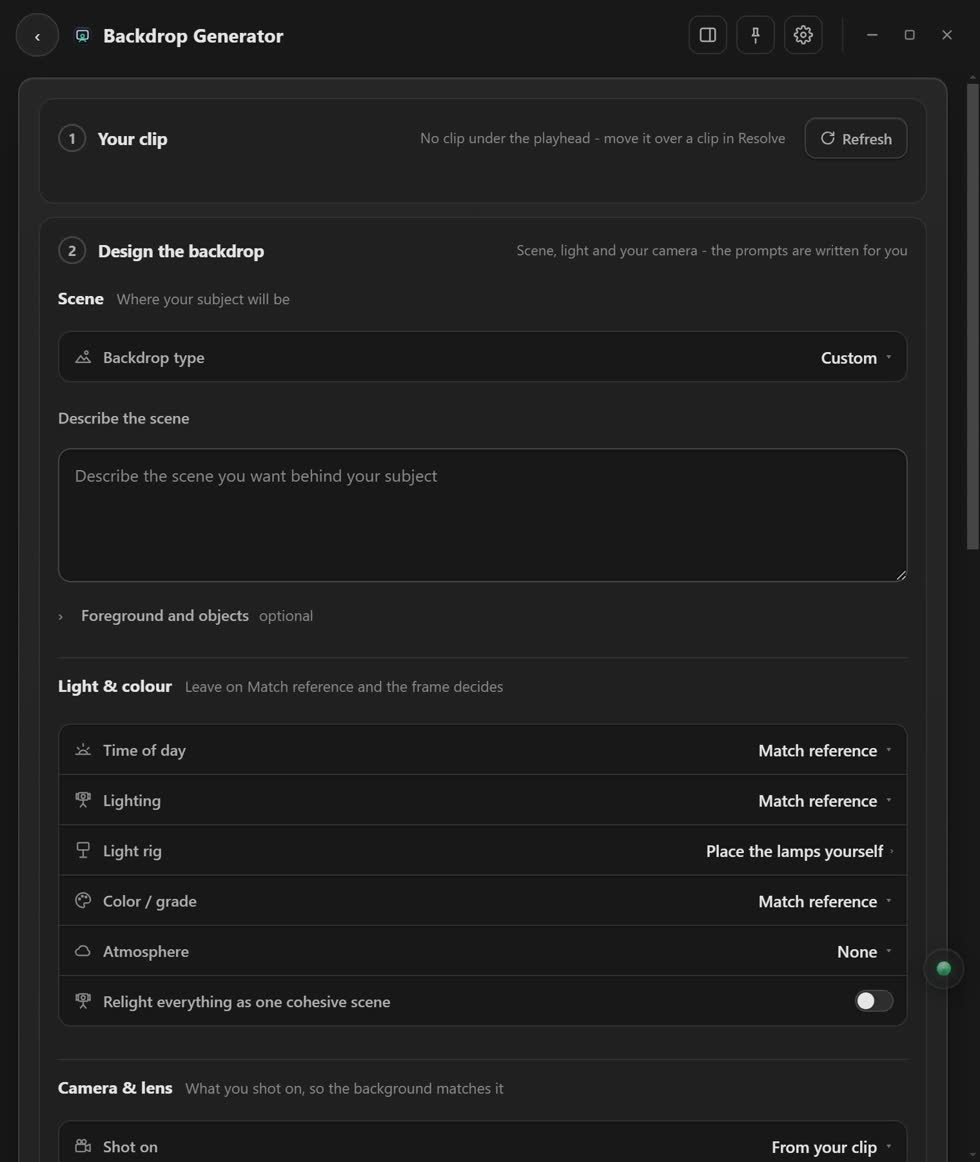
- Put your playhead on the green-screen clip. It shows up by itself.
- Say where you want to be. Pick a place and a light, then press Write the prompts.
- Press Generate background image. You see your subject in the new place as a picture.
- Like it? Relight the clip. Pick a video model and press the relight button.
Why it looks real
The app reads which camera and lens your clip was filmed on, if the file says so. Then the background gets the same look. You never have to key the green yourself.
Stuck? Press the round button at the bottom right of the app and ask the assistant. It knows every screen. Or ask other editors in The VFX Room.