
3D → AI
Turn a plain grey 3D render into a finished, real-looking shot.
Your 3D renderFinished shot
Drag the line to compare.
Watch the full tutorial on YouTube ›
Finish a render
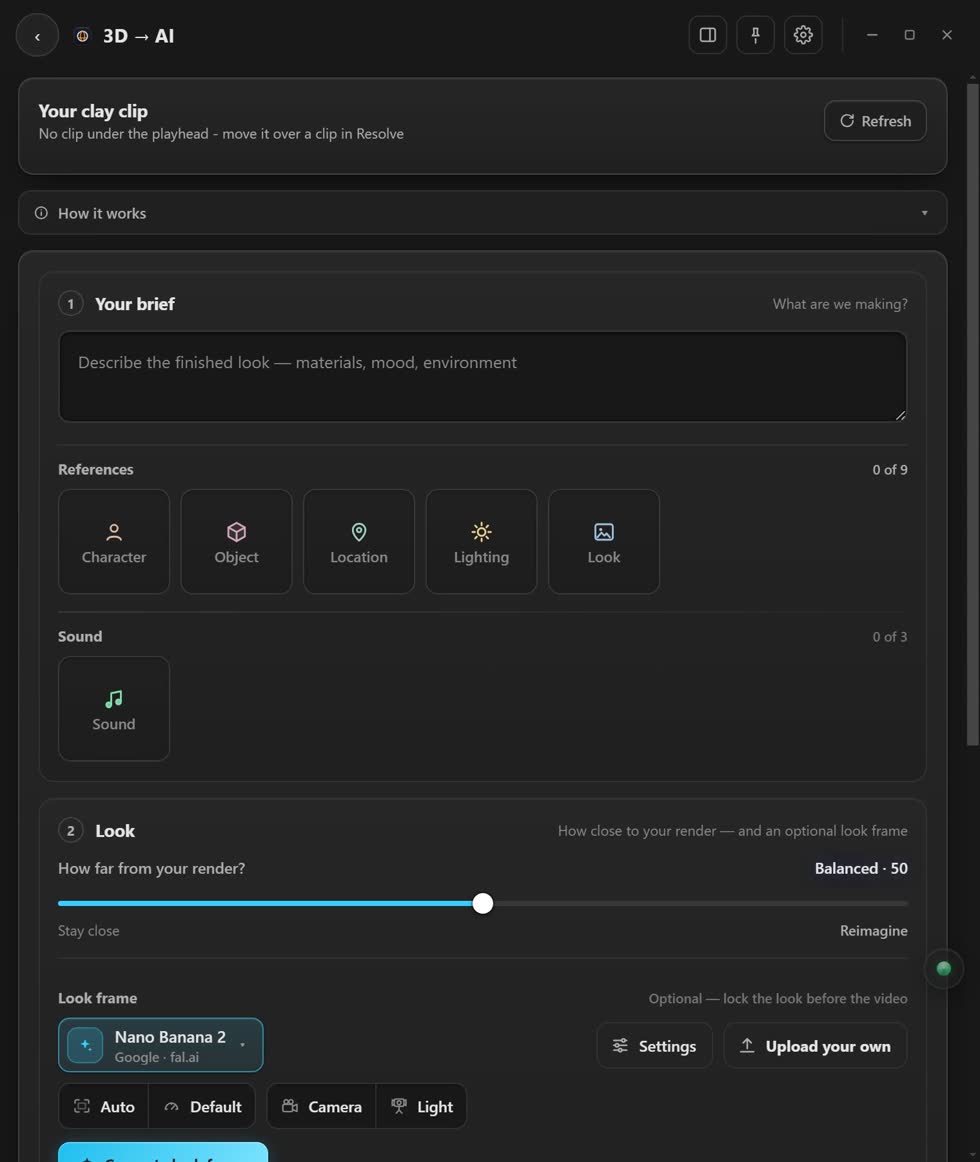
- Put your playhead on the grey render. It loads at the top.
- Say how it should look. Drop pictures on the tiles to show the AI what you mean.
- Pick how far it may go. You can make one test picture first, called a look frame.
- Press Make the video. You see every picture and word first. Nothing is paid for until you say yes.
What stays the same
Your camera move and your timing. Only the look changes.
Stuck? Press the round button at the bottom right of the app and ask the assistant. It knows every screen. Or ask other editors in The VFX Room.