
3D model
Take a few photos of a thing. Get a 3D model for Fusion.
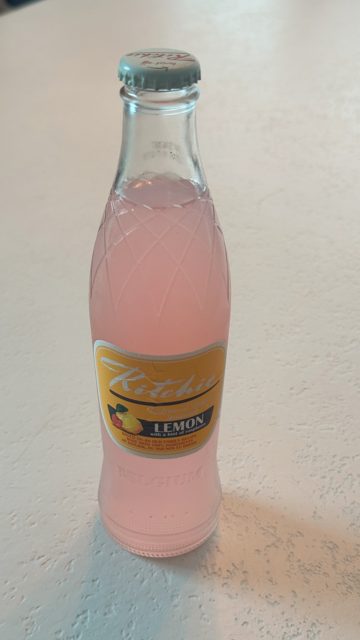
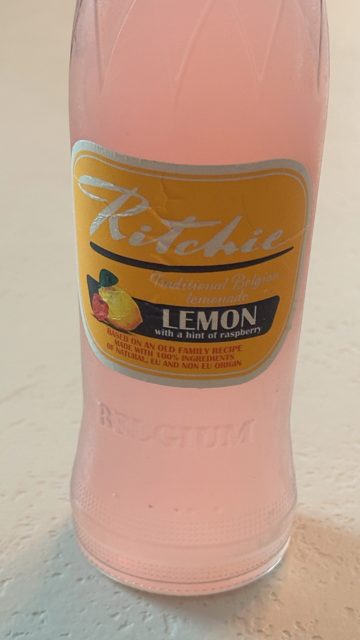
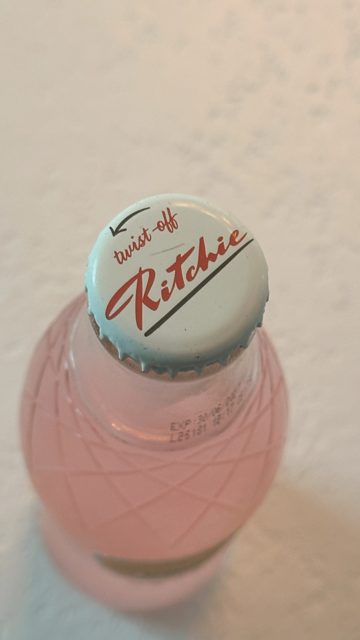
Three photos of a bottle, and the model the app made.
Make a model
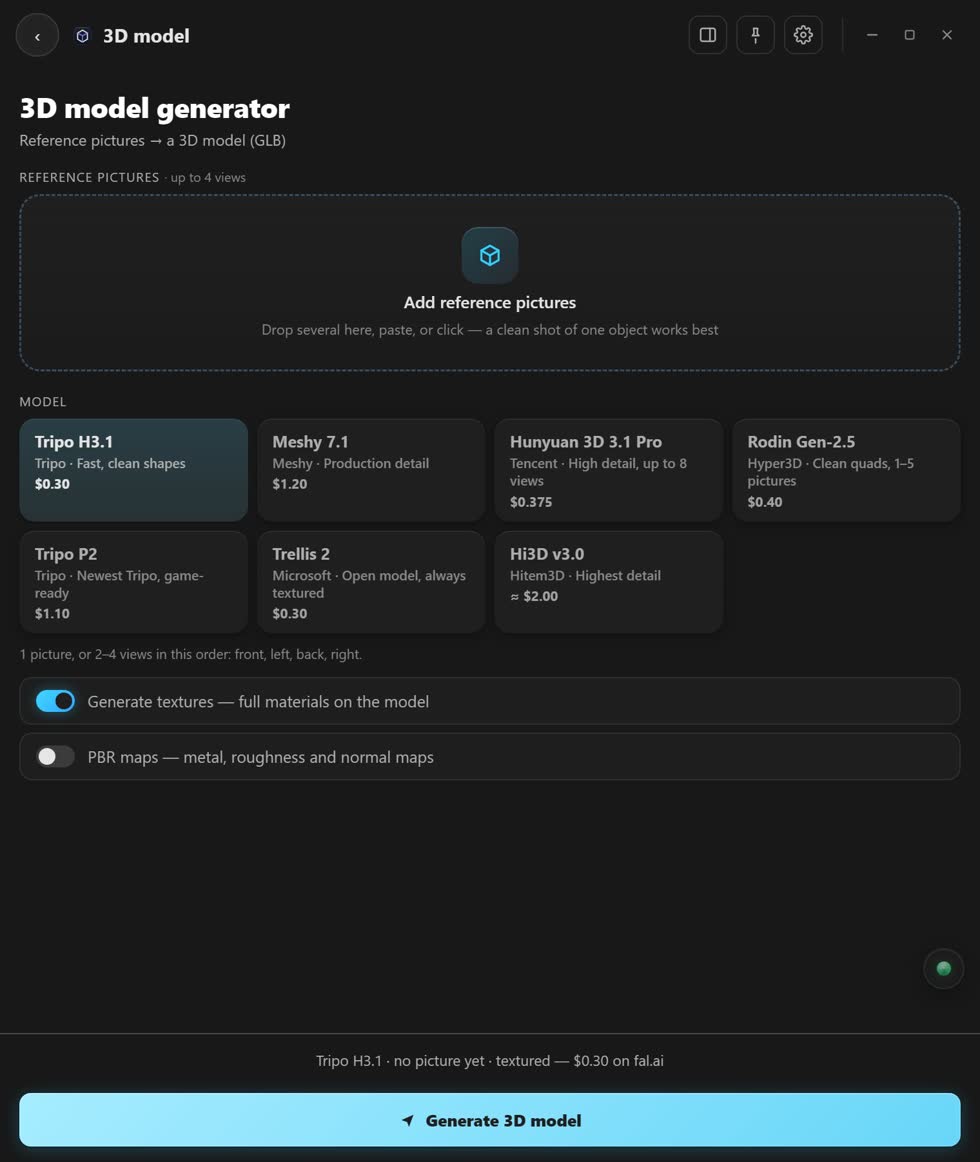
- Add your pictures. Choose, drop or paste up to 8.
- Keep them in order. Some models want front, left, back, right.
- Pick a model. Each one shows its price.
- Tick Generate textures. Textures are the colours and surface.
- Press Generate 3D model. Then Add to Media Pool, and use it in Fusion.
Good to know
How many pictures a model can read depends on the model. On your own graphics card, Hunyuan3D 2.0 makes the shape from one picture, with no textures. The cloud models on fal.ai and Comfy Cloud add the textures.
Stuck? Press the round button at the bottom right of the app and ask the assistant. It knows every screen. Or ask other editors in The VFX Room.